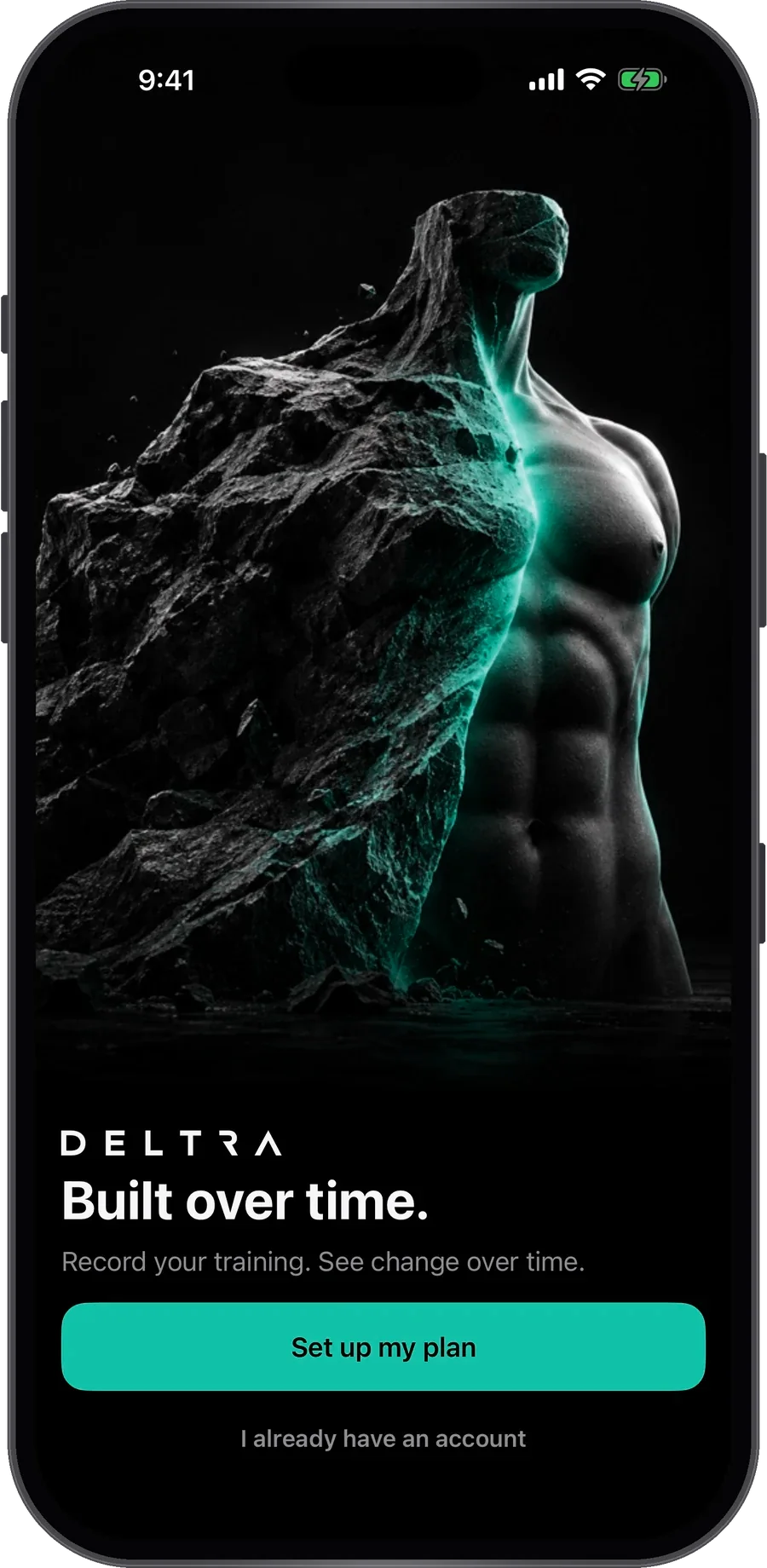
DELTRA. Built over time. BUILT OVER TIME.

Coming to iPhone

The workout app that notices.

Behind this week? It offers a shorter version. Outgrown an exercise? It offers the next one. Bench taken? It swaps it, and remembers. Then each week it lines up your photos, so you can see what it all adds up to.

Join the beta. We'll only email you about the beta and the launch. Privacy

DELTRA's Today screen: this week's plan and today's workout, Legs, ready to start

Smart training

It pays attention, so you don’t have to.

Most workout apps record what you did. DELTRA watches how your training is going and speaks up in one line when something would help. These are real lines from the app.

  • You hit every rep last time

    ↑ Try 87.5 kgYou hit the top of the range last time

    Your next weight, suggested on the set. Tap to take it, or carry on as you were.

  • You rest longer than planned

    Use 2:00 restYou usually rest about 2:00 here

    It learns from the time between your sets, then offers a rest that fits you, once.

  • The bench is taken

    Last time you usedDumbbell Bench Press

    Swap to something that trains the same muscles. Next time, your swap is one tap away, and your plan stays as it is.

  • You’re behind this week

    Every muscle, half the setsTimed from your own pace

    A shorter version of today’s workout, so a busy week still counts.

  • You’ve outgrown an exercise

    Ready for pull-ups?You’ve hit the top of your reps three sessions running

    Incline push-ups to push-ups, assisted pull-ups to the real thing: the next step, offered once you’ve earned it.

  • You missed Tuesday

    Do itor skip it

    Do it later in the week and it counts for Tuesday. It never follows you into next week.

Always a suggestion, never a surprise. DELTRA explains every suggestion in one line, and nothing in your plan changes unless you say so.

How it works

One week at a time.

Progress is slow, which is why it's hard to see. DELTRA turns it into a simple weekly loop, so months of work add up to something you can actually look at.

  1. 01

    Train

    Follow a programme built around your week and log every set in a tap.

  2. 02

    Check in

    Three photos and your weight, once a week. DELTRA talks you into position and takes each photo when you’re lined up.

  3. 03

    See the change

    Scroll your timeline week by week, or put any two check-ins side by side.

The weekly check-in

A camera that coaches you.

Prop your phone up and step back. DELTRA talks you into the same position as last week, then takes each photo itself once you’re lined up, so every week compares like for like.

  • Ghost overlay. A faint image of last week's photo so you can match your pose and distance.
  • Hands-free. Voice prompts guide you into place, with no timer to race. The volume buttons work as a shutter too.
  • Lined up for you. Photos are scaled and shifted so your body sits in the same place every week.
  • A full-screen timeline. Scroll week by week, compare any two check-ins with a slider, and choose whether each week shows your weight, your workouts or a main lift.
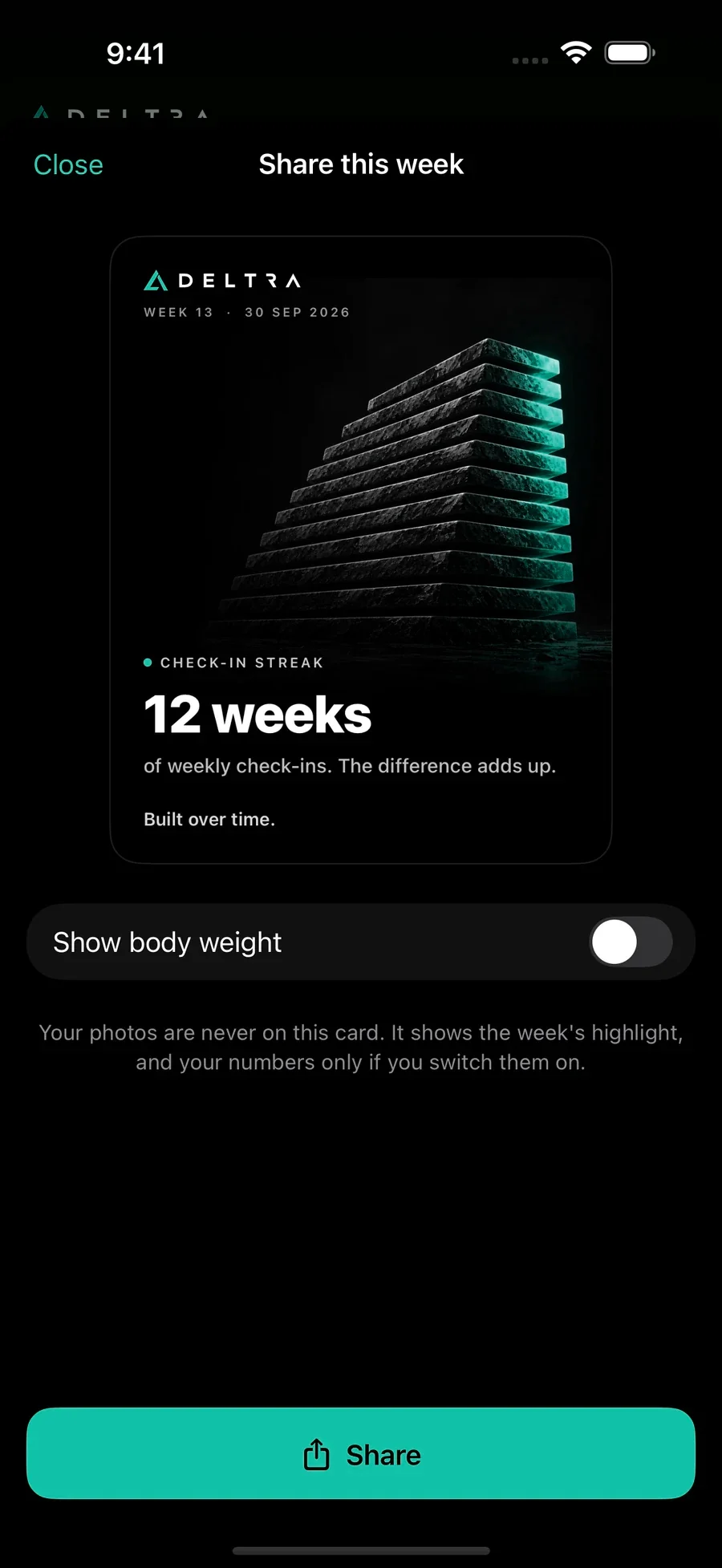
  • Share on your terms. Before-and-after images with your face cropped and weight hidden by default.
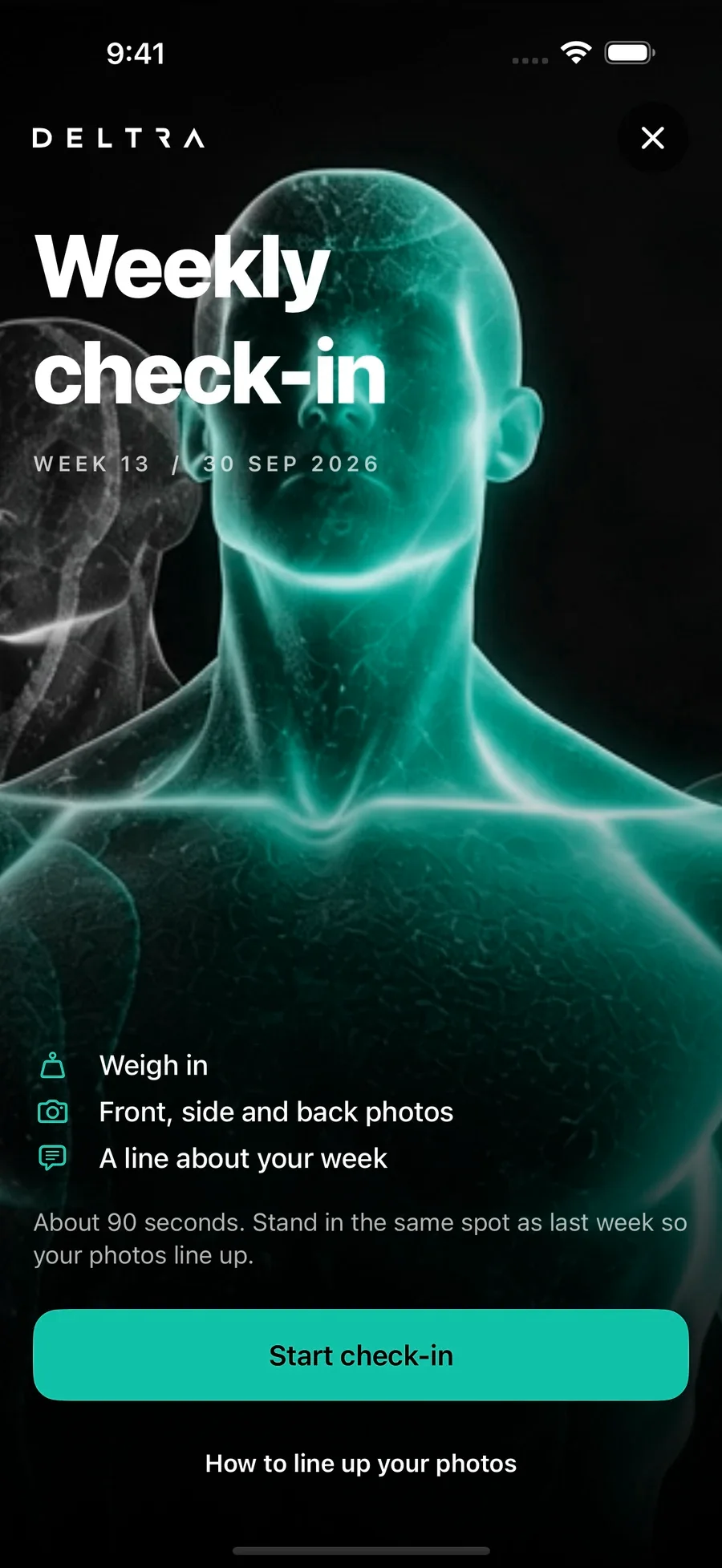
The weekly check-in introduction with the male avatar, weigh-in and guided progress photos

One record

Training and body, side by side.

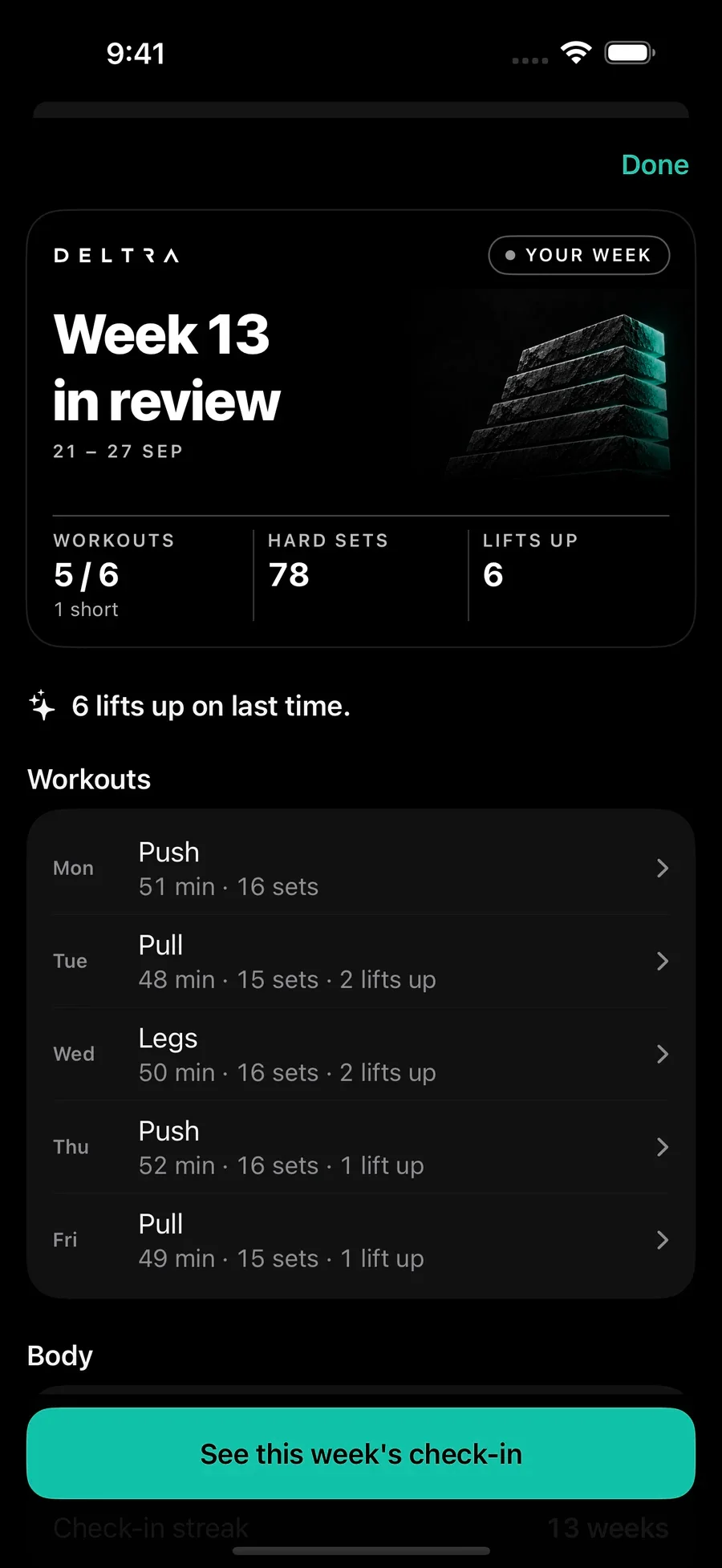
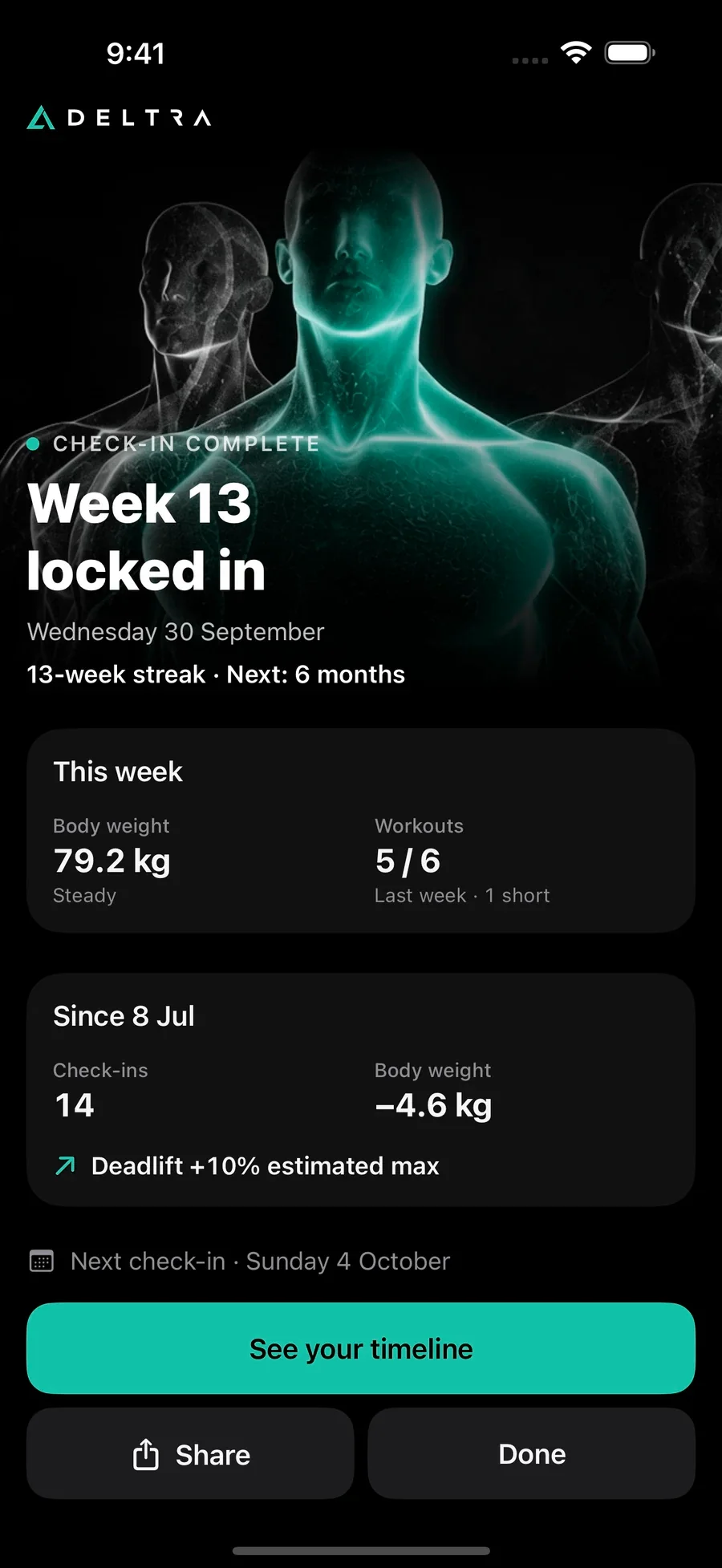
Each check-in keeps that week’s workouts and PRs with it, and your weekly and monthly reviews put training and body together.

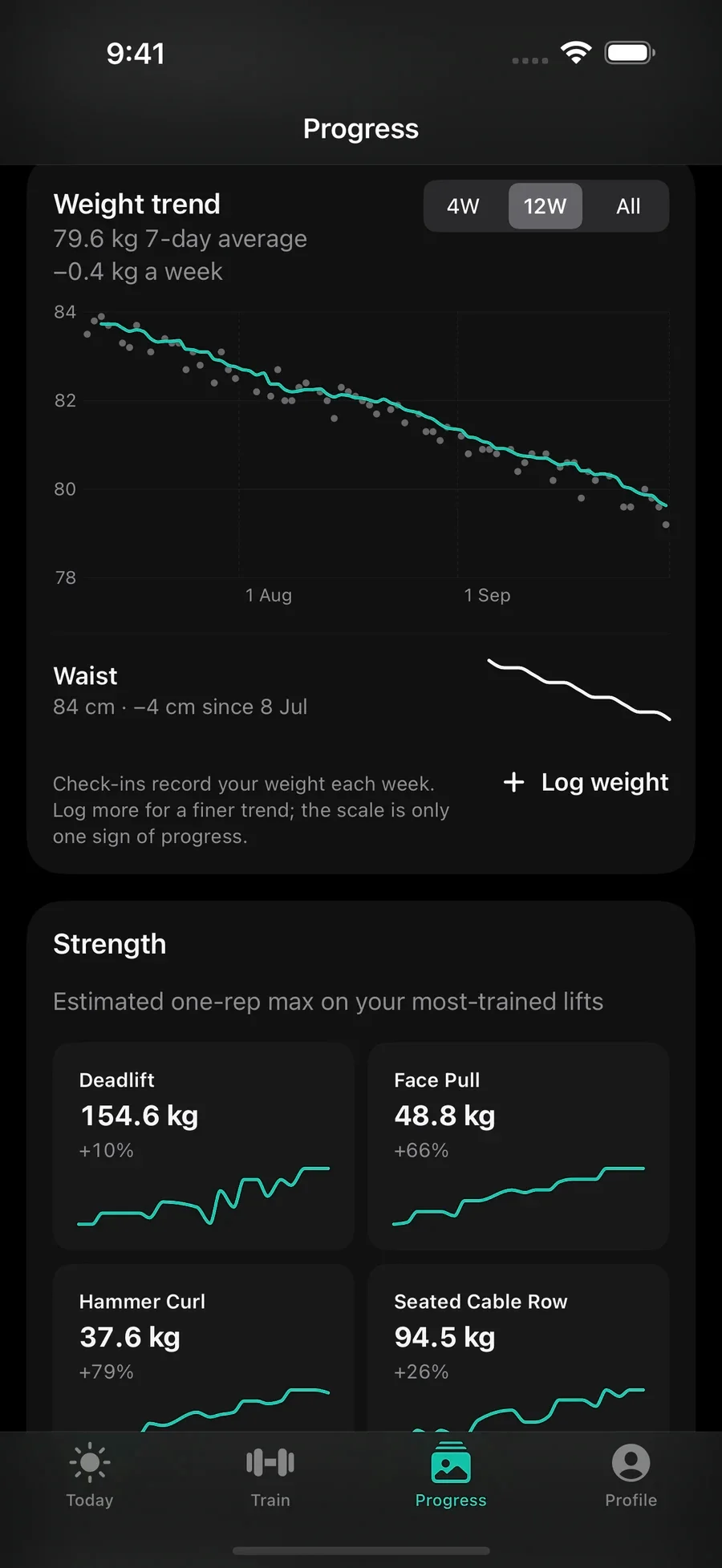
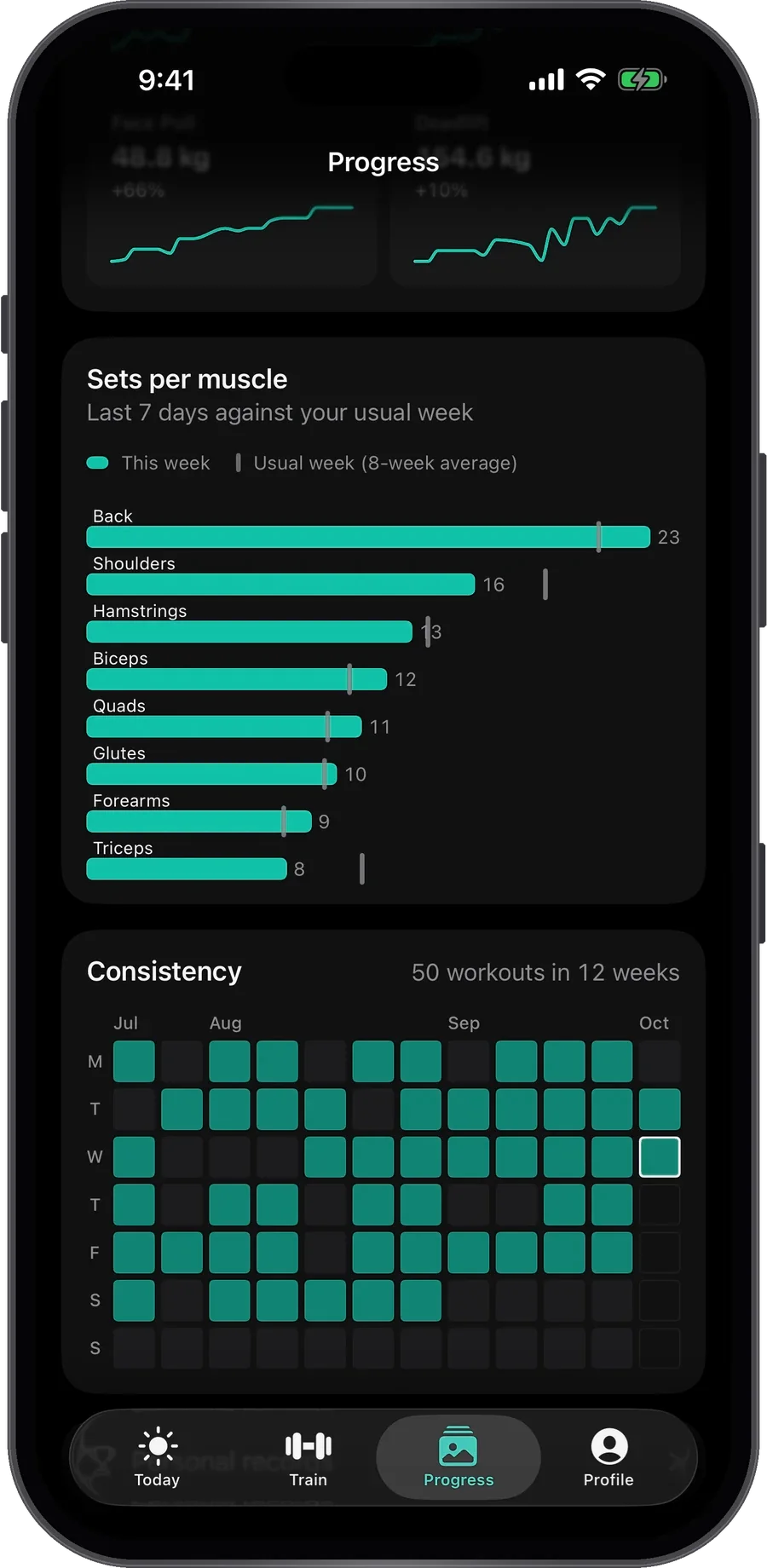
  • Every week in one view: sets, PRs and consistency next to your photos, weight and waist.
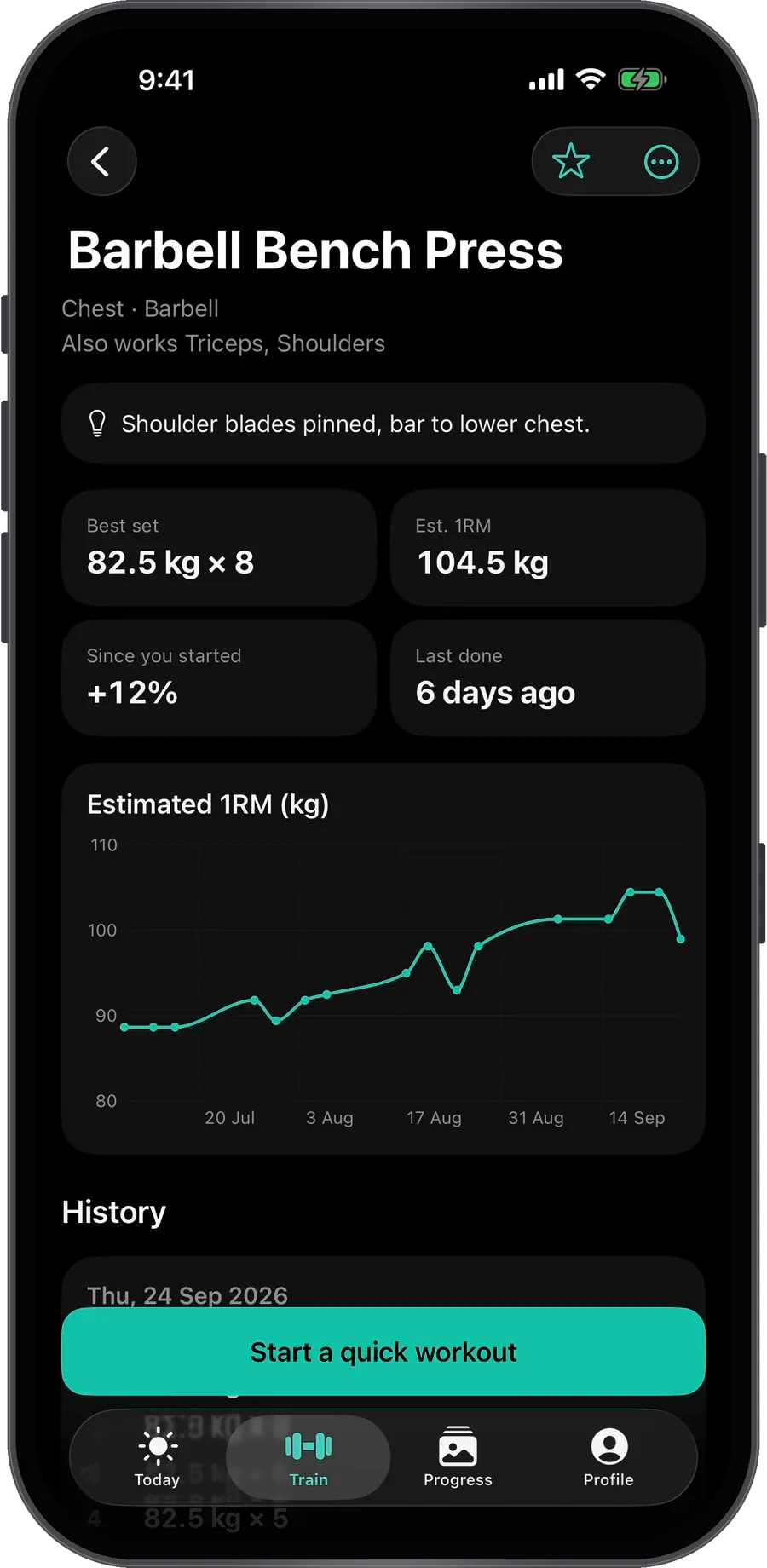
  • Charts: strength over time, sets per muscle, a consistency heatmap and your PR board.
  • Weight, kept in proportion. A calm seven-day trend, always shown alongside photos and strength. It's part of the story, never the scoreboard.
  • Steps from Apple Health, with a personal target if you want one.
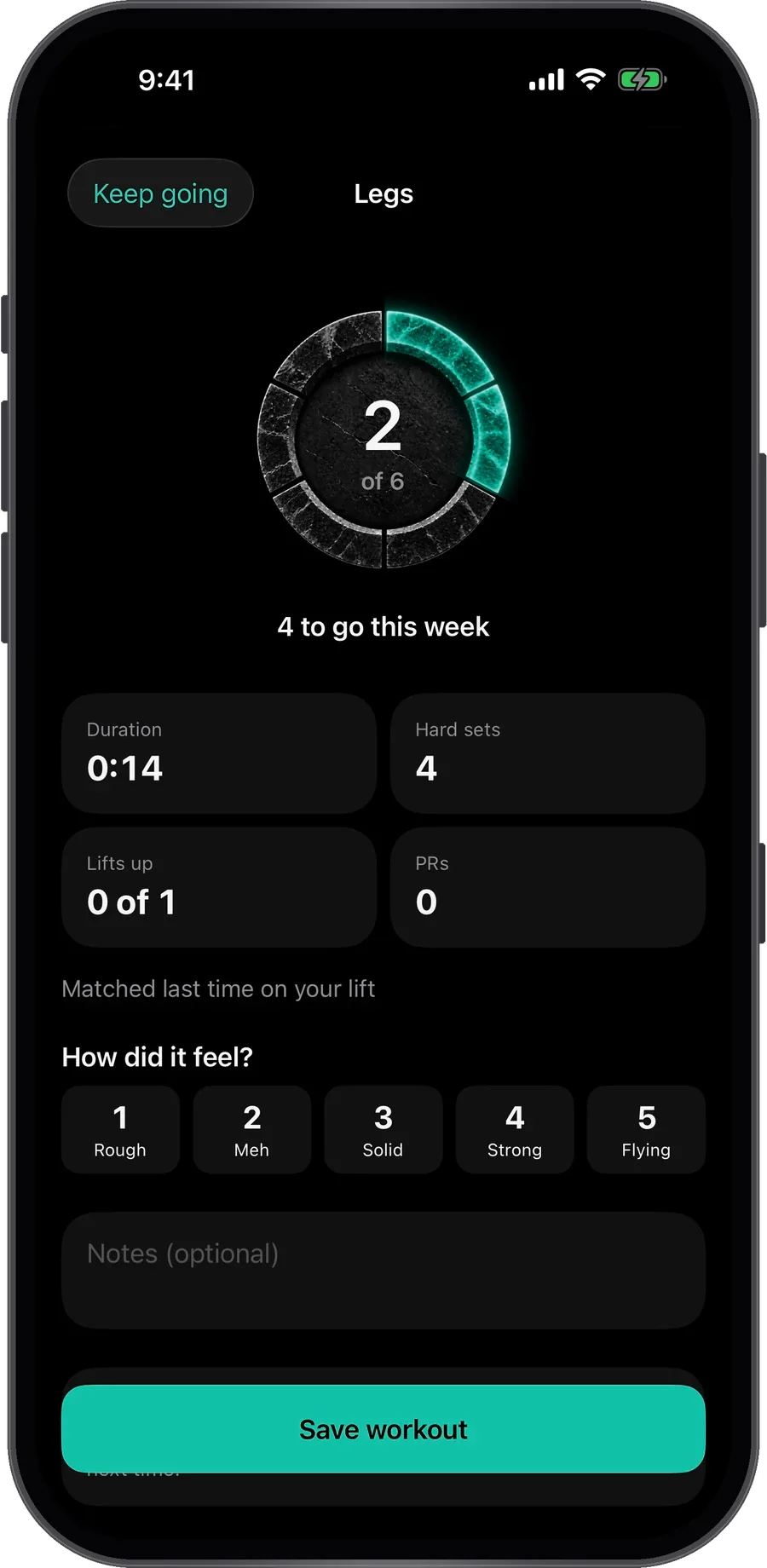
Week 13 in review, with workouts, hard sets and personal records

The logger

A logger that gets out of the way.

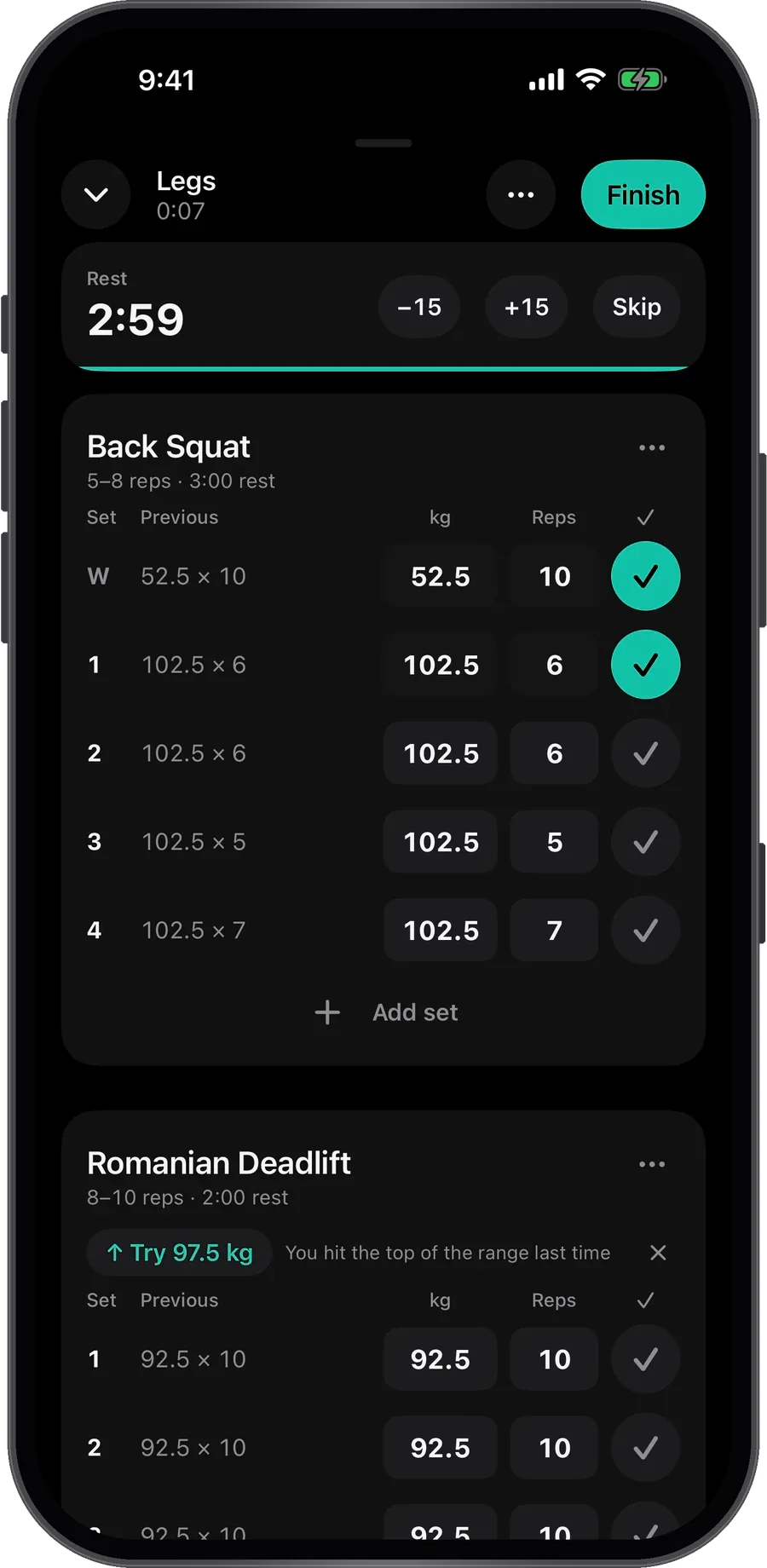
Open your workout and last time’s weights and reps are already there. Tick a set and the rest timer starts. Change a weight and the sets below follow. Every set saves as you go, so nothing’s lost if your phone dies mid-session.

  • PRs spotted the moment you tick the set, for heaviest weight, estimated one-rep max and most reps.
  • Rest timer on your Lock Screen and in the Dynamic Island, with −15 s, +15 s and Skip.
  • Plate maths, supersets, warm-ups and drop sets when you need them.
Logging a leg workout with pre-filled sets, a rest timer and a progression suggestion

Your programme

A plan that bends, not breaks.

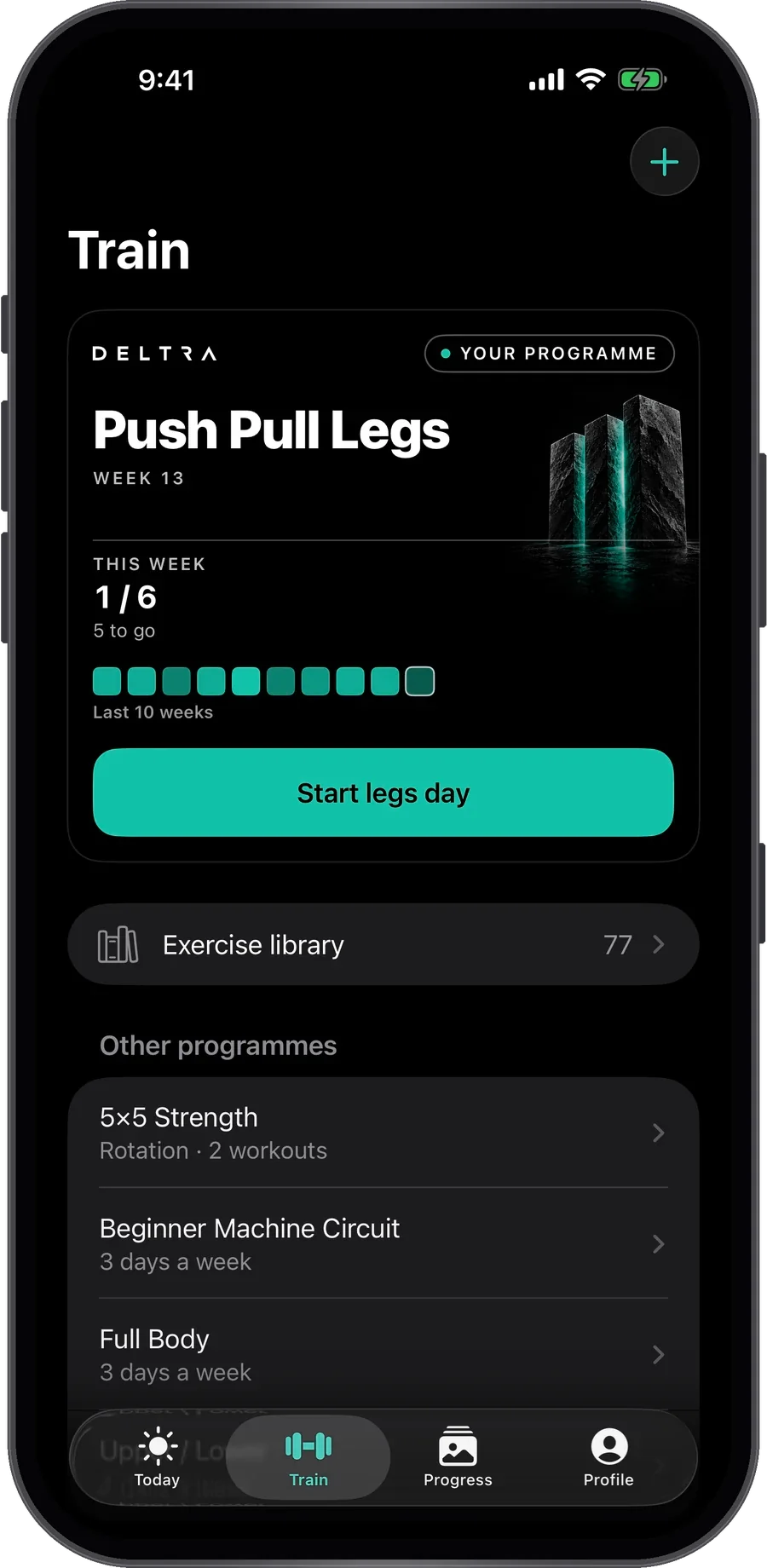
Tell DELTRA your goal, experience and how many days you can train. In under a minute it builds a programme around you, then works around real life.

  • Built for your level. The right version of each movement for your experience, nothing on your avoid list, and sets, reps and rest set by your goal.
  • Sensible from day one. Cautious starting weights for anything new, then your own numbers take over.
  • Quick workouts that count. Train off-plan, and if it covers a planned workout, it counts as that workout.
  • Deload weeks built in, on weekly or rotating schedules. Push/pull/legs, upper/lower, full body and more, or build your own.
The Train tab showing a push/pull/legs programme and this week's progress

Privacy

Private by default.

Your record starts private. Keep your photos on your iPhone, choose whether to back them up, and decide what to include when you share.

  • Your data lives on your iPhone. An account is optional and only keeps a private backup that no one else can see.
  • Photos never leave your phone unless you choose to back them up, and they stay out of your camera roll.
  • Face ID lock, and DELTRA hides itself in the app switcher.
  • No ads. Anonymous usage stats only, and you can switch them off. Export all your data or delete your account at any time.

A record you can look back on

Hard to notice today.
Clearer when you look back.

One photo is a starting point. Check in regularly and you build a record of your own change, with your training and measurements alongside it. Scroll back through your weeks, or compare two check-ins.

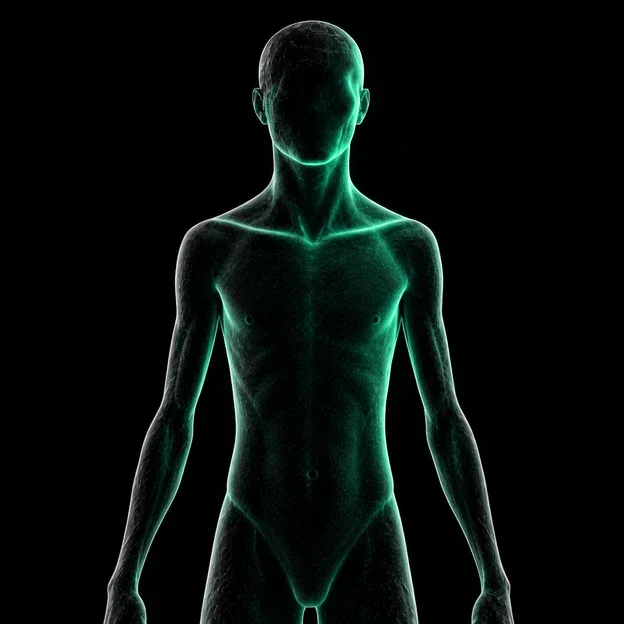
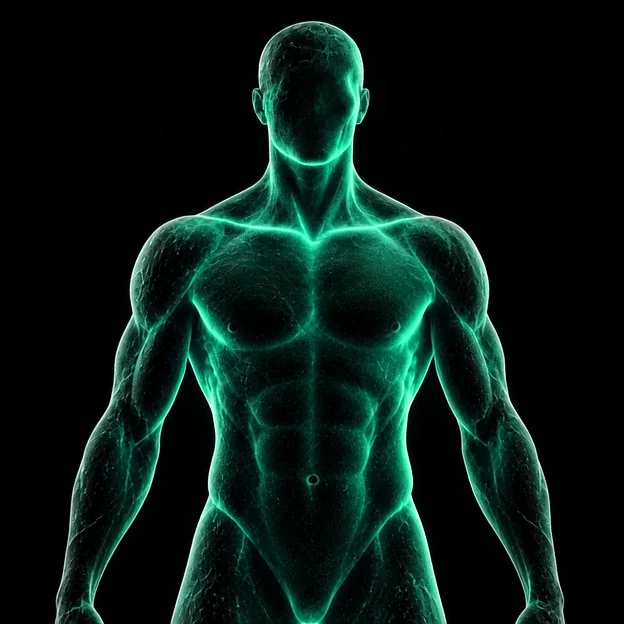
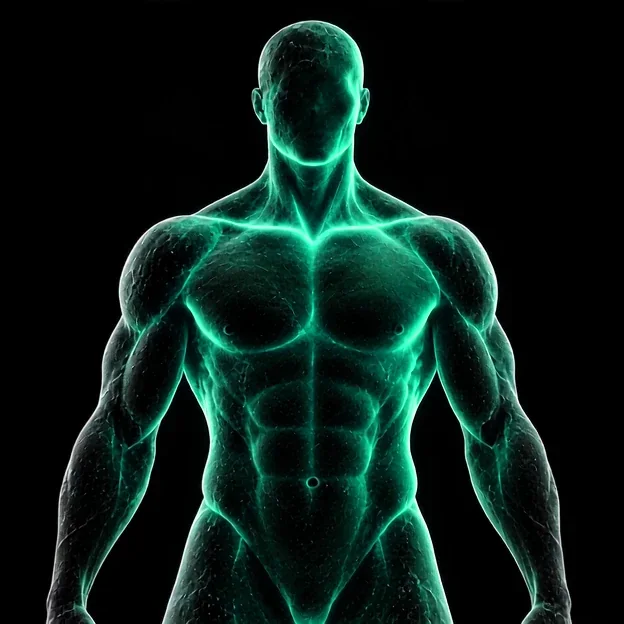
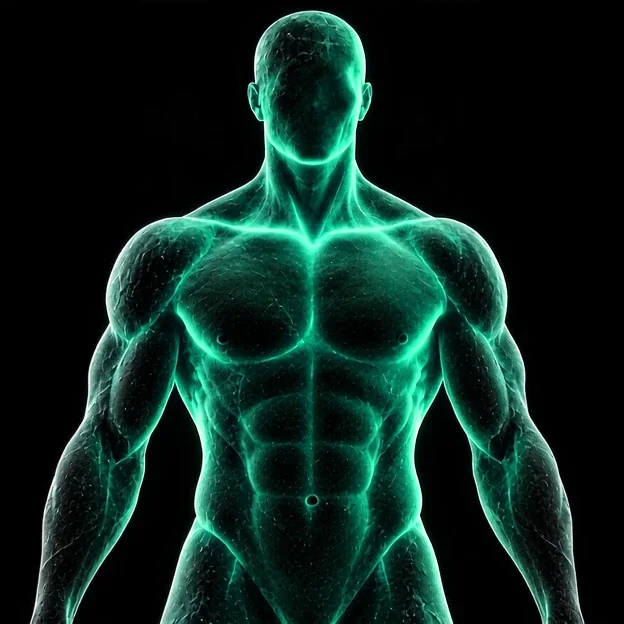
Stylised avatar, transformation frame 1 of 4Stylised avatar, transformation frame 2 of 4Stylised avatar, transformation frame 3 of 4Stylised avatar, transformation frame 4 of 4
Illustrative progression · Frames from a stylised animation, not real user results or a promised timeline.

Milestones

The difference adds up.

DELTRA marks the real ones: your first check-in, streaks of weeks on plan, every 10, 25 and 50 workouts, and a monthly review every four check-ins with the month’s first and last photos side by side.

First check-in

Your starting point.

12 weeks

The difference adds up.

One year and beyond

Built over time.

Inside the app

A closer look.

Screens from the current beta.

Questions

Good to know.

When can I get it?

The beta is open now on TestFlight, with the App Store launch to follow. Join the waitlist and we'll send you an invite.

Is it on Android or iPad?

DELTRA is made for iPhone (iOS 18 or later). Android and iPad aren't planned for launch.

Do my photos get uploaded?

No, not unless you choose to. Everything stays on your iPhone by default. An optional account keeps a private backup, and photo backup is a separate switch that's off until you turn it on.

Does it change my workouts on its own?

No. DELTRA suggests (a heavier weight, a rest that fits you, a shorter version on a busy week) and tells you why in one line. Your plan only changes when you say yes.

Who is it for?

Anyone who trains regularly and wants to see the result, whether you're three months in or ten years in. Setup takes under a minute and tailors a programme to your goal (lose fat, build muscle, recomp, get stronger or stay consistent), your experience and your schedule.

Week one starts here

Start your timeline.

Be first in line for the beta.

No spam. Just the beta invite and the launch.